
Documentation Index
Fetch the complete documentation index at: https://docs.xagent.run/llms.txt
Use this file to discover all available pages before exploring further.
Tasks Overview
Tasks are the fundamental unit of work in Xagent. Simply describe what you want to accomplish, and Xagent will plan, execute, and deliver results automatically.What is a Task?
A task is a natural language description of a goal you want to achieve. Unlike traditional automation systems that require predefined workflows, Xagent interprets your intent and breaks it down into executable steps.Task Examples
Task Configuration
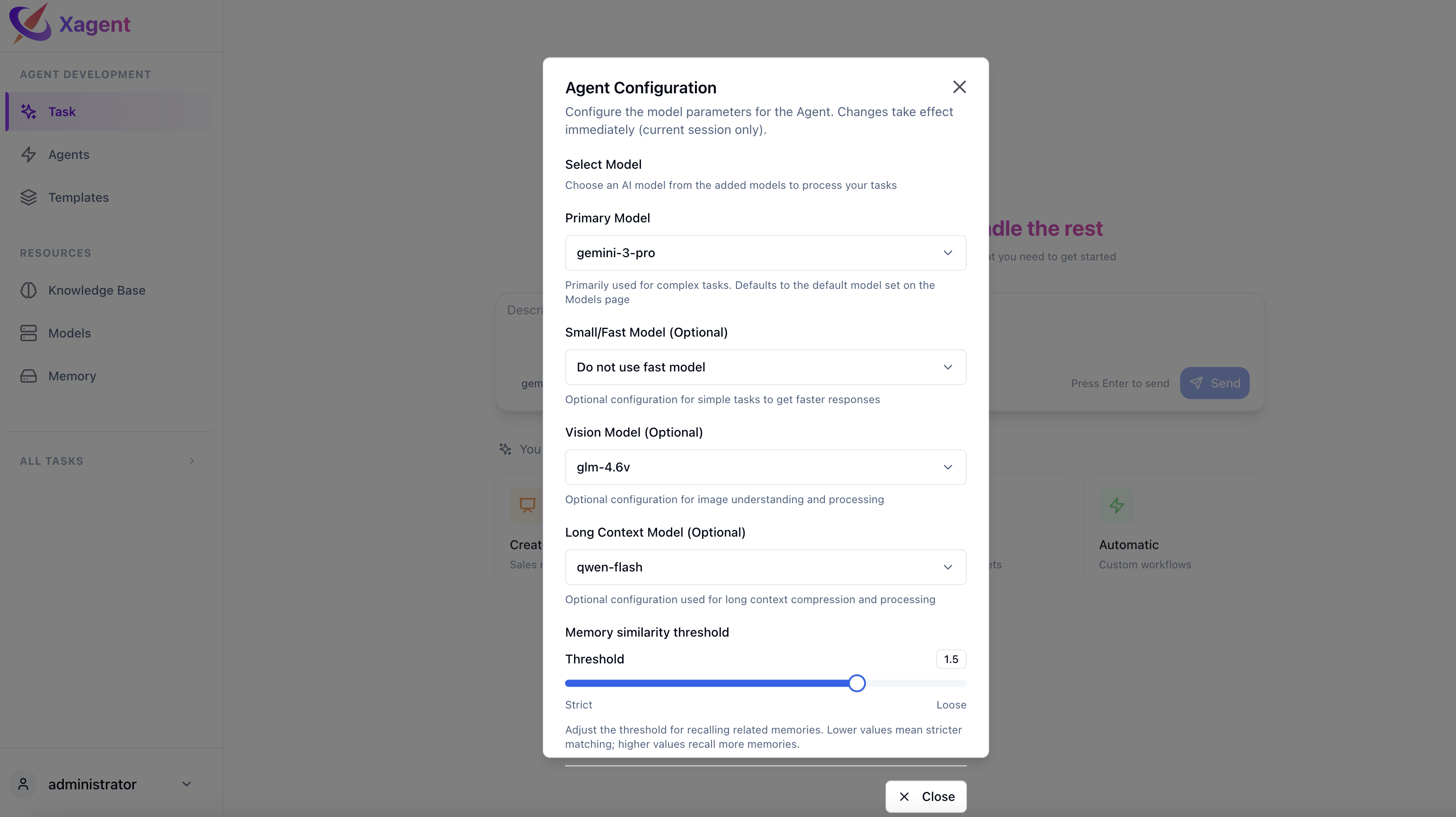
Before running a task, you can configure the model settings.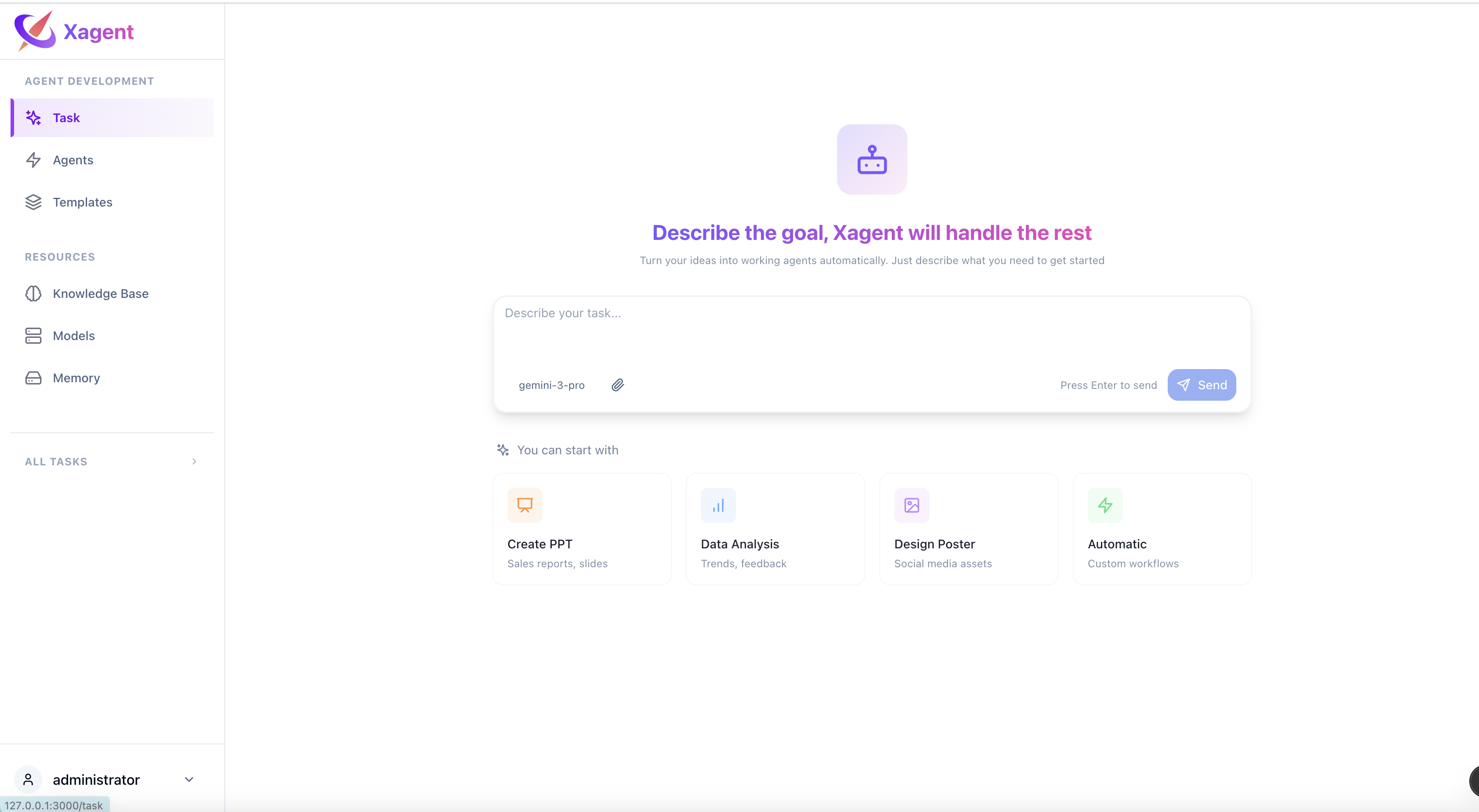
Model Selection
Choose the appropriate model for your task: Main Model - Used for all task execution by default- Required for all tasks
- Handles planning, reasoning, and execution
- Used unless fast model is configured
- Automatically used for steps identified as simple during planning
- Reduces cost and improves speed for routine operations
- If not configured, main model handles all steps
- Long Context Models - For compressing large context windows
- Vision Models - Required to use image analysis tools
- Select from configured providers
- Adjust temperature for creativity
- Set max tokens for output length
- Configure other model parameters
Key Features
Natural Language Input
Describe your goal in plain language - no coding or workflow design required. Xagent understands context and intent.File Attachments
Upload files to provide context for your tasks:- Documents (PDF, DOCX, TXT)
- Spreadsheets (CSV, XLSX)
- Images (PNG, JPG)
- Code files
- And more
Real-time Execution
Watch your task execute in real-time:- See each step as it’s planned
- Monitor execution progress
- View intermediate results
- Iterate on the output
Streaming Responses
Get results as they’re generated, not just at the end. Perfect for long-running tasks where you want to see progress.How It Works
Task Interface
The task interface provides:- Chat Input: Natural language input area
- Model Selector: Choose models for this task
- File Upload: Attach files for context
- Execution View: Watch your task progress in vertical step flow
- Results Panel: Review outputs and artifacts
Next Steps
- Learn about task execution - See how tasks execute step-by-step
- Building agents - Convert tasks to reusable agents
- LLM Models - Set up and configure language models